
Mobile and Vendor Portal
Secame operations at your fingertips.
No compromise on provided information. Participate in running processes through mobile access and a connected vendor portal for external collaboration.
Secame Mobile
Operations
Live count
148
Scan count
Inventory
Approval
PO review
Case
Store request
Mobile operating layer
Floor teams can count, verify, approve, and view operational records without leaving the process.
Information preserved
Store, item, recipe, vendor, and quotation context stays available where work is performed.
Vendor participation
Vendors can register, respond to RFQs, submit invoices, and track purchase order activity.
Secame Mobile
Participate in the running processes.
The mobile experience keeps operational users close to inventory, approvals, cases, item records, recipes, vendors, and quotations.
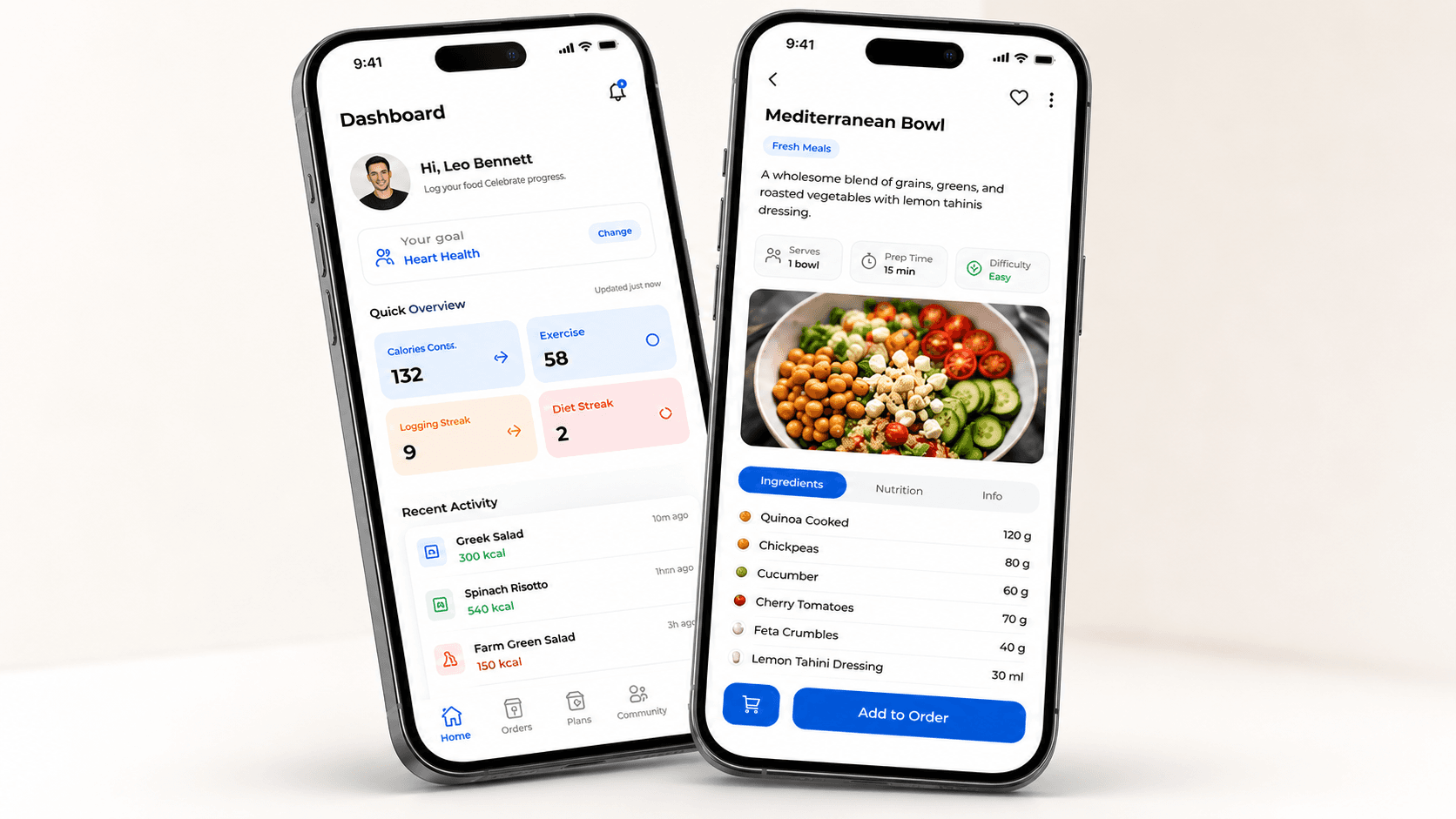
Inventory and Spot Check Counting Module with Scanner
Run inventory counts and spot checks from the floor with scanner-supported item verification.
Approvals on the Go
Review and participate in active approval steps while operations continue moving.
Case Management View
Follow open cases, current status, and pending actions from the mobile operations view.
Store and Item Information
Access store context, item details, stock information, and operational references where work happens.
Recipe Information and Verification
Verify recipe information, ingredients, and preparation context against controlled SeCaMe records.
Vendor Information and Quotations View
View vendor information and quotations in context before acting on procurement decisions.
Easy Onboarding and Registration Process
Help vendors register, submit required information, and understand their approval status.
Required Information and Approval Status
Give vendors a clear place to provide documents, commercial details, and onboarding updates.
eProcurement Area
Allow vendors to participate in your RFQs in real time through the procurement workspace.
Invoice Submission and Payment Status
Let vendors submit invoices and follow payment status without manual back-and-forth.
Purchase Order Mgmt Area
Provide a dedicated area for purchase order management and vendor-side order visibility.
Vendor Portal
Empower your vendor interaction.
Give external vendors a dedicated portal for onboarding, required information, approval status, RFQ participation, invoice submission, payment visibility, and purchase order management.
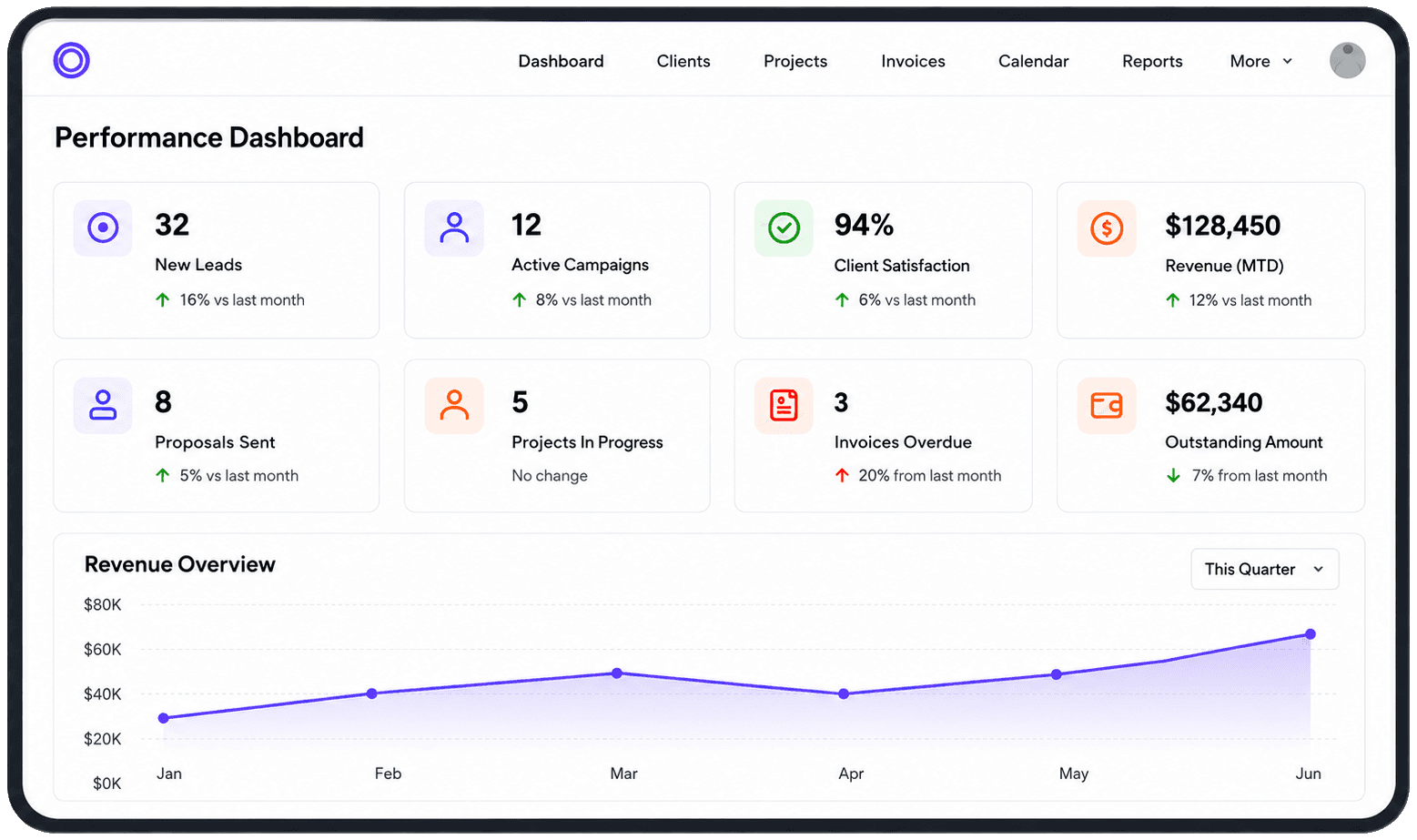
Connected Operations
Mobile actions and vendor activity stay connected to the same SeCaMe process layer.
Inventory and spot checks feed the same store and item records used by procurement.
Approvals on the go keep running processes active while preserving governance.
Vendor RFQ, invoice, payment, and purchase order visibility reduces manual status chasing.
Get started
See SeCaMe running on your operation.
Walk through procurement, inventory, recipes, and 3-way matching on a tailored dataset — guided by our team.